01 · Instant versions
Three edits waiting when you stop
Instant versions: once your take is transcribed, ezRecord builds a Clean, a Kinetic and a Story edit on your Mac. Pick one and keep going.
RecScreen and camera recorder for Mac · 1.3
ezRecord records your screen, your camera and your iPhone, writes down what you say, and cuts the video when you cut the text. It runs on your Mac, and your AI agent can drive every part of it.
Apple Silicon (M1 or later), macOS 26.2 or later.
When you stop, every word you said is on the page. Clean up takes out the ums, the long pauses and the false starts in one click. Or click any word to cut it.
Recording, editing and export work with nothing extra. The free assistant runs on Apple's on-device model, which is private but small: it handles one-step edits and short takes. For long recordings, scripts, the Director and edits that take many steps, connect a frontier model. It's the single biggest upgrade you can make.
Input A · API key
Pay per use with your own key. It's kept in your Mac's Keychain and only goes to the provider you pick.
Input B · Agent subscription
Already pay for Claude, ChatGPT or Cursor? Their agents run on your Mac and talk to ezRecord directly over MCP, with all 283 tools. One click connects Claude Code (Settings › Agents).
01 00:00
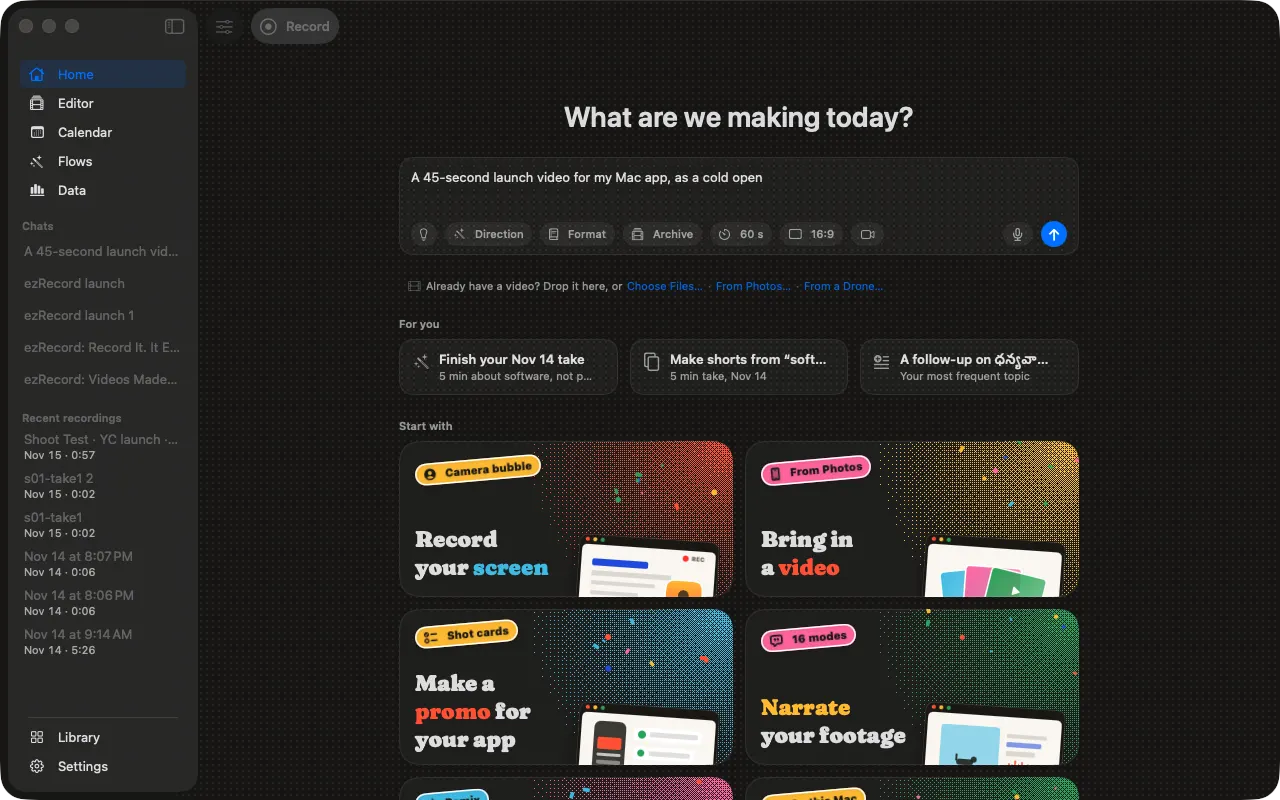
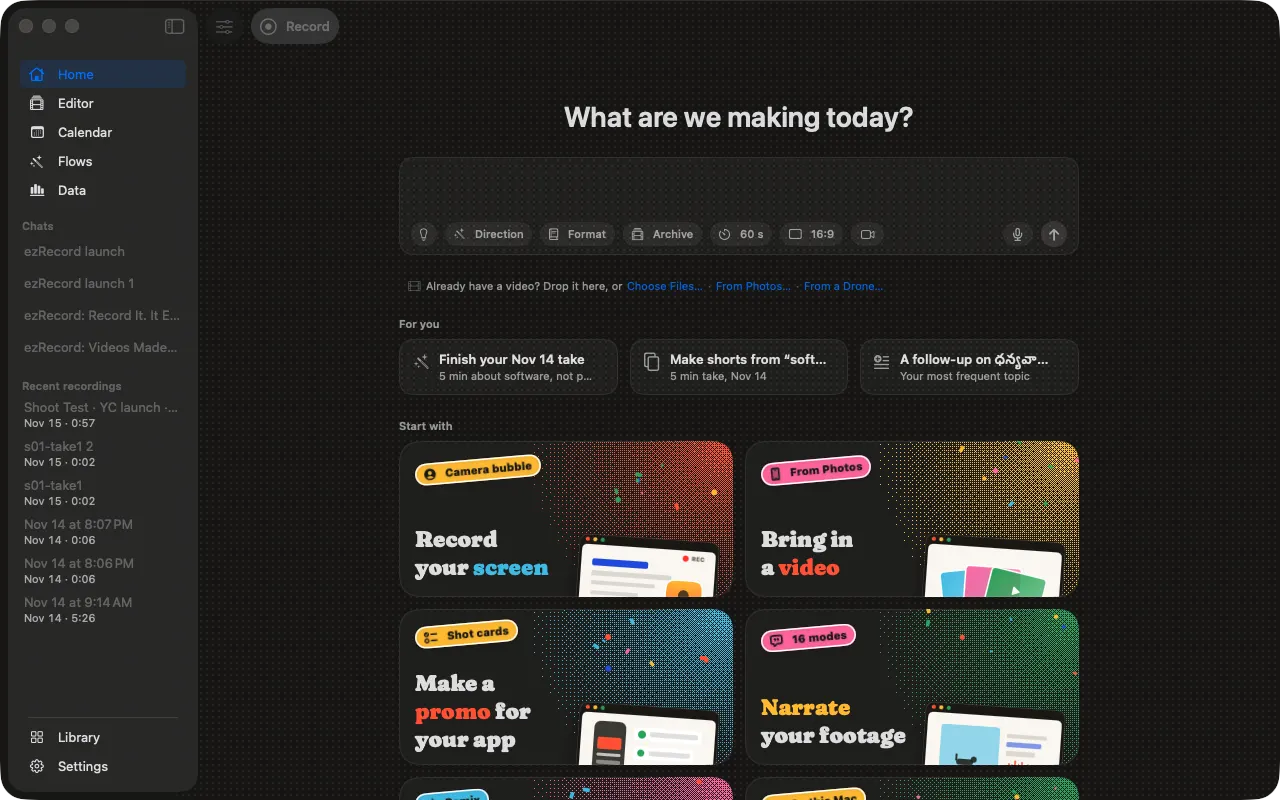
Type the idea or say it. ezRecord writes a script in your voice, beat by beat, and puts it on a prompter that scrolls as you talk.
02 00:15
The whole screen, one window or an area, with you in a bubble. Pair your iPhone as a remote or a second camera angle. Or start from a video you already have.
03 00:40
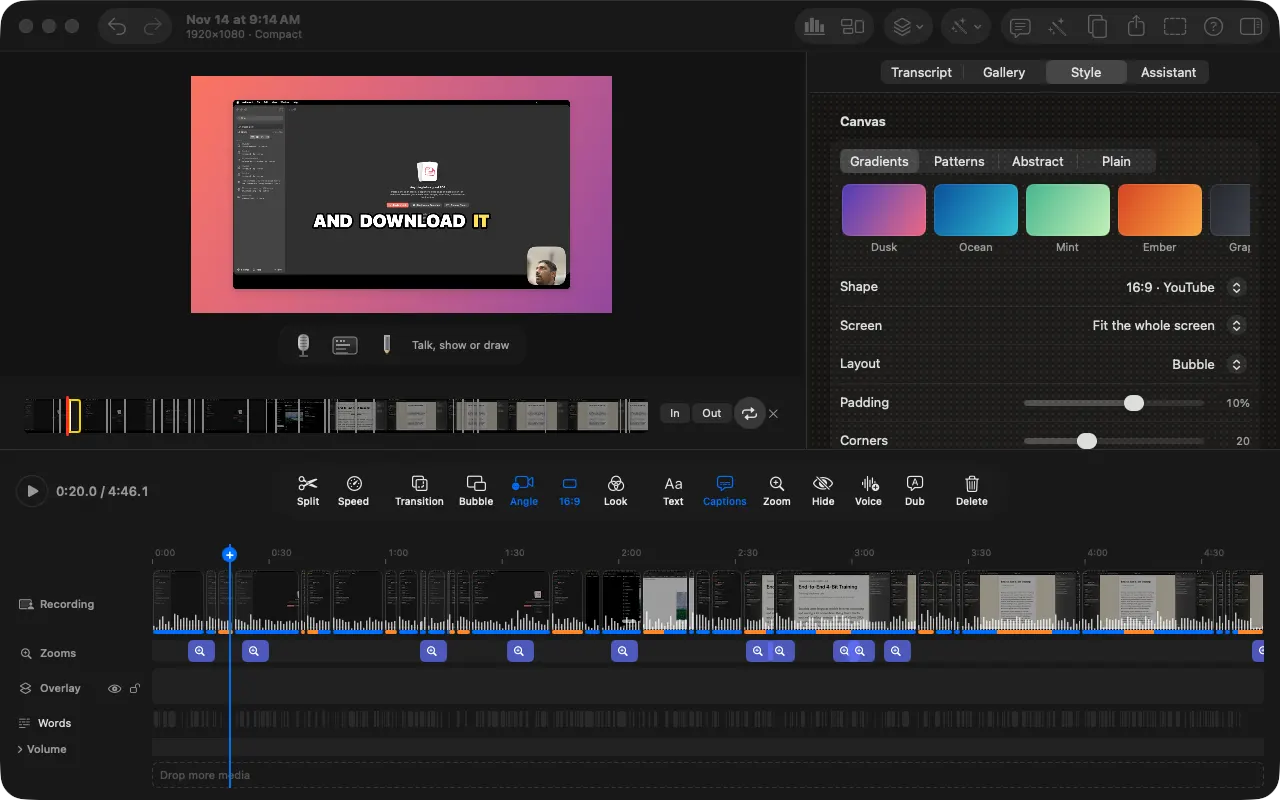
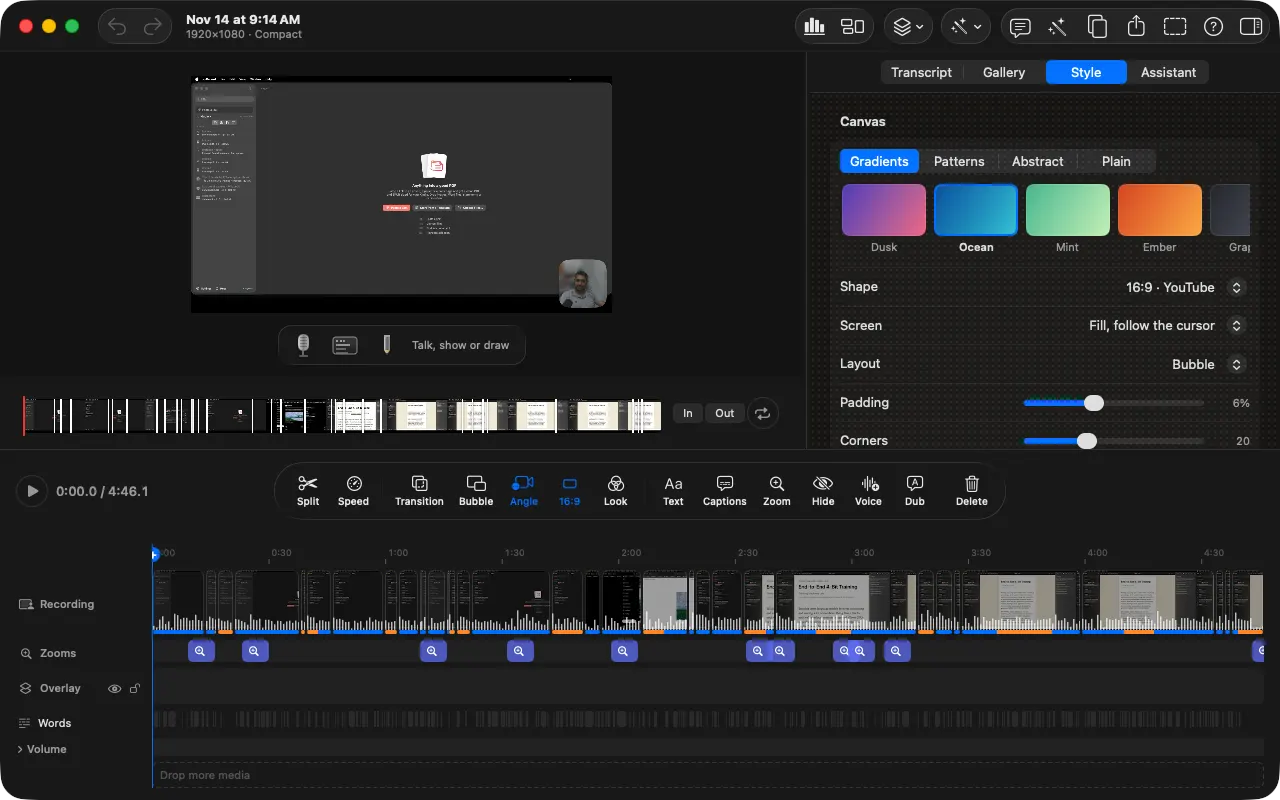
Backgrounds, layouts, caption styles and looks live in the Style tab. The preview changes as you pick, and ⌘Z takes it back.
04 01:05
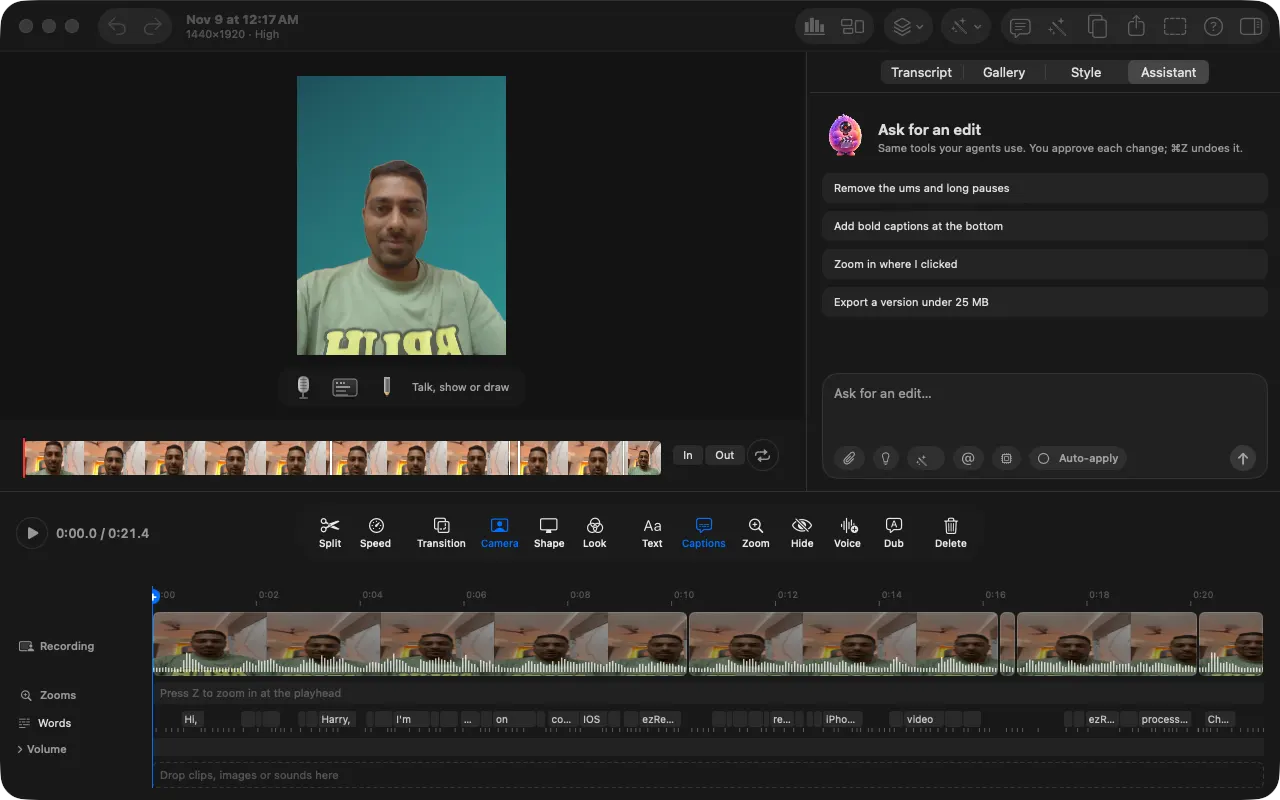
Remove the ums and long pauses. Add bold captions at the bottom. Zoom in where I clicked. Export a version under 25 MB. You approve each change.
Plan it, shoot it, get three edits for free, check it, post it. The newest parts of ezRecord.
01 · Instant versions
Instant versions: once your take is transcribed, ezRecord builds a Clean, a Kinetic and a Story edit on your Mac. Pick one and keep going.
02 · Director
Director asks a few questions and gives you a shot list for a launch, a walk-and-talk or an interview, with locations, golden hour, a gear list and a call sheet. Film each shot with its lines in the prompter.
03 · Narrate it
Pick a narrative mode and get a script written against your own shots. Read it yourself or pick a narrator voice, and ezRecord cuts the reel around the voice, with score and sound.
04 · Slideshows
19 formats and 504 templates, photos by topic and music by mood. Export a carousel for Instagram and TikTok, or a video with your captions.
05 · Check before post
Grades an edit for TikTok, Reels and Shorts: text under the app's buttons, loudness, a slow hook, and how to fix each.
06 · Your voice
Retype the word and ezRecord says it again in a clone of your voice, so there's no retake. Dub a whole video into another language the same way. With your own ElevenLabs or Sarvam key.
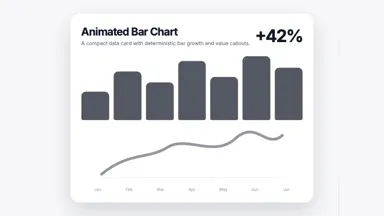
About 230 animated graphics: lower thirds, charts, maps, code, chat mock-ups and intros. A chart or a card keeps to the line it belongs to, through every cut you make.
Apple Maps
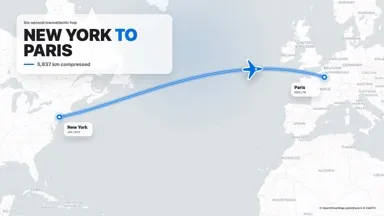
A route between cities with fly-overs and real roads, pins with values, maps by country or US state. Logos show up when you say a brand’s name.
PDF, link, notes
Tag a link, a PDF or your notes and it sits beside you, scrolled to the paragraph you’re talking about and highlighted as you read it out.
After the fact
A key, rim and fill light on your face, a vignette, light leaks. The room dims under graphics, and the graphics light your face.
 01
 02
 03
 04
 05
 06
 07
 08
 09
 10
 11
 12
 13
 14
 15
 16
 17
 18
Every feature in ezRecord is also a tool on a small server on your Mac, 283 of them. Agents press the same buttons you do, and every change is one ⌘Z away.
Works with: Claude Code / Codex / Cursor / Gemini CLI / VS Code / Zed / Windsurf / Claude Desktop
Export the video, or hand the edit to the editor you already use, cuts and all.
| Premiere Pro | XML |
|---|---|
| Edit lists | EDL |
| Final Cut and Resolve | FCPXML |
| CapCut desktop | Draft |
| Video | Up to 4K |
| Small file | Under 25 MB |
| GIF | For docs and PRs |
| Dubbed video | A track per language |
On your Mac by default
Recording, transcripts, captions and export run on your Mac. The assistant uses Apple Intelligence unless you pick another model. Transcripts in 22 Indian languages run on your Mac too.
Cloud extras like dubbing use your own key, and show what leaves your Mac and what it costs before anything is sent.
Try everything free for 14 days, no card needed. Every plan covers up to three Macs.
Prices in US dollars. Monthly and yearly renew until you cancel from the link in your receipt. Already bought? Redeem your license.
A Mac with Apple Silicon (M1 or later) and macOS 26.2 or later. Intel Macs aren’t supported. Screen recording, camera and microphone permissions, which ezRecord asks for once.
No. Recording, transcription, captions and export all run on your Mac. The only time anything is sent anywhere is when you use a cloud feature with your own key: ElevenLabs or Sarvam for voice, TypeSafe for quick judgments (it gets the transcript, and frames only for smart zoom, which asks first), or a cloud model you choose for the assistant. Dubbing shows you what leaves your Mac and what it costs before anything is sent.
Anything that speaks MCP: Claude Code, Codex, Cursor, VS Code, Gemini CLI, opencode, Zed, Windsurf, Cline and Claude Desktop. Other bots can use plain HTTP function calls. Settings › Agents has the setup for each, and Connect Claude Code installs the ezRecord plugin for you. The server runs on your Mac at 127.0.0.1 and is off to the outside world unless you turn on remote access.
Not to record, edit or export. The built-in assistant uses Apple Intelligence by default, and Indian-language transcripts run on your Mac with an open model you download once. For anything beyond short, one-step edits we recommend an API key (Claude, OpenAI, Gemini, OpenRouter or Grok) or an agent subscription like Claude Code or Codex that drives ezRecord over MCP. Other keys unlock the cloud extras: your own voice, dubbing, music and sound from a prompt, and with TypeSafe, retakes without a script, highlights and smart zoom.
Yes. Pair it from Settings › iPhone to start and stop recording from across the room, add it as a second camera angle, or send videos and links to your Mac. The iPhone app also records and edits on its own.
Free public archives: the Internet Archive (Prelinger films, US government films, 78rpm records) and the Moving Image Archive. ezRecord only offers what’s free to reuse and puts each credit in your video’s description. Searching sends only your search words.
A folder with a SKILL.md, the same format Claude Code uses: instructions plus files such as a logo or intro music. Add one in Settings › Agents and the assistant uses it when you ask. Skills are text and files only; ezRecord never runs code from one.
You get 14 days with everything, no card needed. After that, pick a plan to keep recording and exporting. Your projects stay yours and still open either way.
Every plan covers up to three Macs of your own. Monthly and yearly renew until you cancel from the link in your receipt; lifetime is paid once.
It checks once a day and asks before installing. Every update is signed and notarized by Apple.